Quick Answer
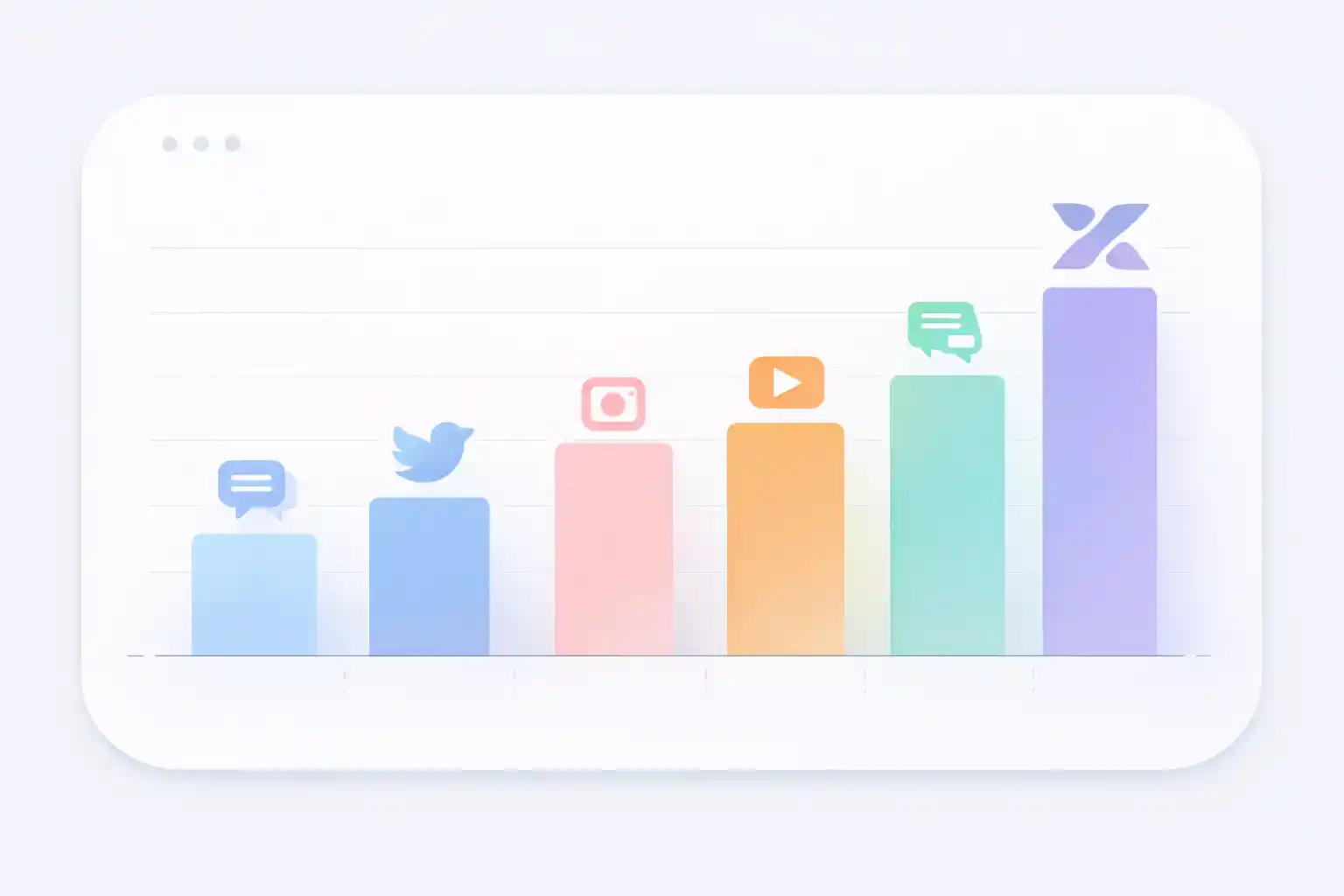
Character limits in 2026 have changed significantly:
- • X Premium: 25,000 characters (previously 10,000)
- • TikTok: 2,200 characters (previously 300)
- • LinkedIn: 3,000 characters (previously 1,300)
- • Instagram: 2,200 characters (unchanged)
What's in This Guide
In 2026, knowing social media character limits is more important than ever for content creators, community managers, and digital marketing professionals. Limits have changed significantly in recent months: X (Twitter) Premium now allows 25,000 characters, TikTok increased its limit to 2,200, and LinkedIn expanded posts to 3,000 characters.
This complete guide shows you character limits updated for 2026 for all major social platforms, including posts, bios, comments, and direct messages. Plus, we explain the optimal length to maximize engagement based on the latest data.
Why Are Character Limits Important?
Character limits aren't just a technical restriction, they're a guide for creating effective content. Each platform has different limits because they're designed for different types of communication:
Avoid getting cut off
Knowing the exact limit lets you use all available space
Optimize engagement
Studies show certain lengths generate more interactions
Cross-platform content
You can adapt a message for different networks efficiently
Advertising requirements
Ads have specific limits you must comply with
Professionalism
Respecting limits shows you know each platform
Character Limits on Major Social Networks
Let's analyze in detail the character limits of each important platform in 2026, including all recent changes.
𝕏 X (Twitter) - Major Changes in 2026
X (formerly Twitter) has experienced the most dramatic changes in character limits. There are now two types of accounts with very different limits:
| Content Type | X Free | X Premium |
|---|---|---|
| Post / Tweet | 280 characters | 25,000 characters |
| Bio | 160 characters | 160 characters |
| Profile name | 50 characters | 50 characters |
| Direct messages | 10,000 characters | 10,000 characters |
Important note: X Premium posts exceeding 280 characters appear truncated in the timeline, showing only the first 280 characters with a "Show more" button. Links always consume 23 characters of the limit, regardless of their actual length.
Is X Premium Worth It Just for the Characters?
If you need to post long threads frequently, X Premium may be worth it. However, data shows that 71-100 character tweets have 17% more engagement, so more characters doesn't always mean better results.
📷 Instagram - Limits by Content Type
Instagram has different limits depending on the type of content you publish:
| Content Type | Character Limit | Visible Characters |
|---|---|---|
| Caption | 2,200 characters | 125 characters |
| Bio | 150 characters | 150 characters |
| Username | 30 characters | 30 characters |
| Comments | 2,200 characters | Full |
| Direct messages | 1,000 characters | Full |
| Hashtags | 30 hashtags max | All visible |
Key tip: Although Instagram allows 2,200 characters in captions, only the first 125 appear before the "...more" button. Place your most important message at the beginning. Studies show posts with 138-150 characters generate the highest engagement.
f Facebook - The Generous Giant
Facebook has the most generous limits of all social networks, but that doesn't mean you should use all the space:
| Content Type | Character Limit |
|---|---|
| Profile/page post | 63,206 characters |
| Comments | 8,000 characters |
| "About" section | 101 characters |
| Page name | 75 characters |
| Page description | 255 characters |
Key engagement data: Despite allowing over 63,000 characters, Facebook posts with 40-80 characters get 66% more engagement. Posts over 280 characters have significantly lower interaction rates.
in LinkedIn - The Professional Network
LinkedIn increased its limits in 2026 to allow more extensive and professional content:
| Content Type | Character Limit |
|---|---|
| Post | 3,000 characters |
| LinkedIn article | 125,000 characters |
| Summary / "About" | 2,600 characters |
| Professional headline | 120 characters |
| Comments | 1,250 characters |
| InMail messages | 1,900 characters |
Professional recommendation: For LinkedIn posts, the optimal range is 50-100 characters to grab attention quickly. However, longer educational content (1,500-2,000 characters) also works well if it provides real value.
🎵 TikTok - The Big 2026 Change
TikTok made one of the most significant changes, increasing its character limit from 300 to 2,200 characters in descriptions:
| Content Type | Character Limit |
|---|---|
| Video description | 2,200 characters |
| Bio | 80 characters |
| Username | 24 characters |
| Comments | 150 characters |
TikTok best practice: Despite the increase to 2,200 characters, the most effective descriptions remain short and direct. Keep your description between 100-150 characters to maximize engagement, using the rest of the space for strategic hashtags.
▶ YouTube - Video Platform with Text
YouTube allows extensive descriptions to complement video content:
| Content Type | Character Limit |
|---|---|
| Video title | 100 characters |
| Video description | 5,000 characters |
| Channel description | 1,000 characters |
| Comments | 10,000 characters |
| Community posts | 5,000 characters |
YouTube SEO tip: Use the first 200-300 characters of the description to include keywords and an engaging summary, as that's what appears before "Show more" on most devices.
Messaging Platforms
Messaging apps have much more generous limits, designed for extensive conversations:
| Content Type | Character Limit |
|---|---|
| Individual message | 65,536 characters |
| Status (WhatsApp Status) | 700 characters |
| About/personal info | 139 characters |
| Group name | 25 characters |
| Group description | 512 characters |
✈️ Telegram
| Content Type | Character Limit |
|---|---|
| Message | 4,096 characters |
| Media caption | 1,024 characters |
| Caption (Telegram Premium) | 2,048 characters |
| Bio | 70 characters |
Note: If you exceed the 4,096 character limit on Telegram, the app will automatically split your message into parts.
Other Important Platforms
| Content Type | Character Limit |
|---|---|
| Pin title | 100 characters |
| Pin description | 500 characters |
| Bio | 160 characters |
| Board description | 500 characters |
Important: Only the first 50 characters of a Pin description are visible without clicking "Show more".
@ Threads (by Meta)
| Content Type | Character Limit |
|---|---|
| Post | 500 characters |
| Bio | 150 characters |
| Content Type | Character Limit |
|---|---|
| Post title | 300 characters |
| Text post | 40,000 characters |
| Comments | 10,000 characters |
Master Table: All Character Limits 2026
Here's a complete comparison table with limits for major social networks:
| Platform | Posts | Bio | Comments |
|---|---|---|---|
| X (Free) | 280 | 160 | 280 |
| X (Premium) | 25,000 | 160 | 280 |
| 2,200 | 150 | 2,200 | |
| 63,206 | 101 | 8,000 | |
| 3,000 | 2,600 | 1,250 | |
| TikTok | 2,200 | 80 | 150 |
| YouTube | - | 1,000 | 10,000 |
| 500 | 160 | - | |
| 65,536 | 139 | - | |
| Telegram | 4,096 | 70 | - |
| Threads | 500 | 150 | - |
| 40,000 | - | 10,000 |
Optimal Length to Maximize Engagement
Having more space available doesn't mean you should use it all. Data shows there's an optimal length for each platform that maximizes interactions:
| Platform | Maximum Limit | Recommended Length | Benefit |
|---|---|---|---|
| 63,206 characters | 40-80 characters | +66% engagement | |
| X (Twitter) | 280 characters | 71-100 characters | +17% retweets |
| 2,200 characters | 138-150 characters | Maximum interaction | |
| 3,000 characters | 50-100 characters | Greater professionalism | |
| TikTok | 2,200 characters | 100-150 characters | More views |
Why do shorter posts work better?
Limited attention
Social media users scan content quickly
Mobile-first
Most access from mobile devices with small screens
Algorithms favor engagement
Posts that generate quick interactions get distributed more
Message clarity
Fewer words = more direct message
Important Changes from 2025 to 2026
These are the most significant updates in character limits during the past year:
| Platform | 2025 | 2026 | Change |
|---|---|---|---|
| X Premium | 10,000 | 25,000 | +150% |
| TikTok descriptions | 300 | 2,200 | +633% |
| LinkedIn posts | 1,300 | 3,000 | +130% |
The trend is clear: platforms are increasing limits to allow richer and more detailed content, although engagement data continues to favor concise messages.
Practical Tips for Working with Character Limits
Plan Cross-Platform Content
If you publish the same content across multiple networks:
- • Start by writing the version for X (280 characters)
- • Expand slightly for Instagram (138-150 characters optimal)
- • Add additional context for LinkedIn if necessary
- • Adapt the tone according to the platform
Put Important Information First
Many platforms truncate text after a certain point:
- • Instagram: First 125 characters
- • Pinterest: First 50 characters
- • YouTube descriptions: First 200-300 characters
Always include your main message, call-to-action, or key information in these first visible characters.
Count Characters Before Publishing
Avoid unpleasant surprises by using a reliable character counter. Our tool lets you:
- • Count characters and words in real time
- • See exactly how many characters you have left
- • Verify if you meet the limits before publishing
- • Analyze keyword density
Consider Emojis and Special Characters
Emojis and special characters count as characters. Depending on the platform, an emoji can count as 1 or 2 characters. Always test your text on the actual platform or in our character counter before publishing.
Links Consume Characters
On X (Twitter), all links consume exactly 23 characters, regardless of their actual length. On other platforms, links count for their full length, so consider using URL shorteners.
Frequently Asked Questions About Character Limits
❓ What is the Instagram character limit in 2026?
Instagram allows up to 2,200 characters in captions, 150 characters in bios, and 1,000 characters in direct messages. However, only the first 125 characters of the caption are visible before the "...more" button appears, so place your most important message at the beginning.
❓ How many characters can I use on X (Twitter) Premium?
With an X Premium subscription, you can post tweets up to 25,000 characters, compared to 280 characters for free accounts. This represents an 8,800% increase. However, only the first 280 characters are shown in the timeline, with a "Show more" button to view the rest.
❓ Which social network has the highest character limit?
WhatsApp has the highest limit with 65,536 characters per message, followed by Facebook with 63,206 characters per post, and Reddit with 40,000 characters for text posts. However, these high limits don't guarantee better engagement.
❓ How much text should I use for more engagement on social media?
Shorter posts generally get better engagement:
- • Facebook: 40-80 characters (+66% engagement)
- • X (Twitter): 71-100 characters (+17% interactions)
- • Instagram: 138-150 characters (optimal engagement)
- • LinkedIn: 50-100 characters to grab attention
❓ Do emojis count as characters on social media?
Yes, emojis count as characters. Depending on the platform and emoji type, they can count as 1 or 2 characters. Some compound emojis (like people with specific skin tones) can count as more. Use our character counter to verify the exact count with emojis included.
Conclusion
Knowing social media character limits updated for 2026 is essential for any content creator, community manager, or digital marketing professional. Recent changes, like X Premium with 25,000 characters, TikTok with 2,200, and LinkedIn with 3,000, demonstrate that platforms are evolving to allow richer content.
However, remember that more available characters doesn't always mean better engagement. Data consistently shows that concise and direct posts generate more interactions on most platforms. The key is to:
- Know the maximum limit for each platform
- Understand the optimal length for engagement
- Place the most important information first
- Verify the count before publishing
- Adapt your message to each specific platform
Ready to Optimize Your Content?
Use our free character counter to verify the length of your posts before sharing them and ensure you make the most of each platform without exceeding limits.
Try Free Counter